
Disclosure: Fiverr is a FreelanceMile partner, and that partnership affects where it appears in this guide. Some links are affiliate links, so I may earn a commission at no extra cost to you. The pros, cons and fees for every platform, including Fiverr, are my honest take.
Yes, Upwork is worth it if you have a skill clients already pay for and a few samples to show. It’s slower for total beginners, because every proposal costs Connects and Upwork keeps 0% to 15% of each contract.
Below are Upwork’s current fees, the real pros and cons, and how it compares with Fiverr for new freelancers. If you have questions, ask in the comments below.
Key takeaways
- Verdict: worth it for freelancers with a clear skill and portfolio, slower for complete beginners.
- Freelancer fee: 0% to 15% per contract, shown before you apply and locked once the contract starts.
- Connects: $0.15 each, and they aren’t refunded if the client hires someone else.
- Freelancer Plus: $19.99 a month with 100 Connects each month.
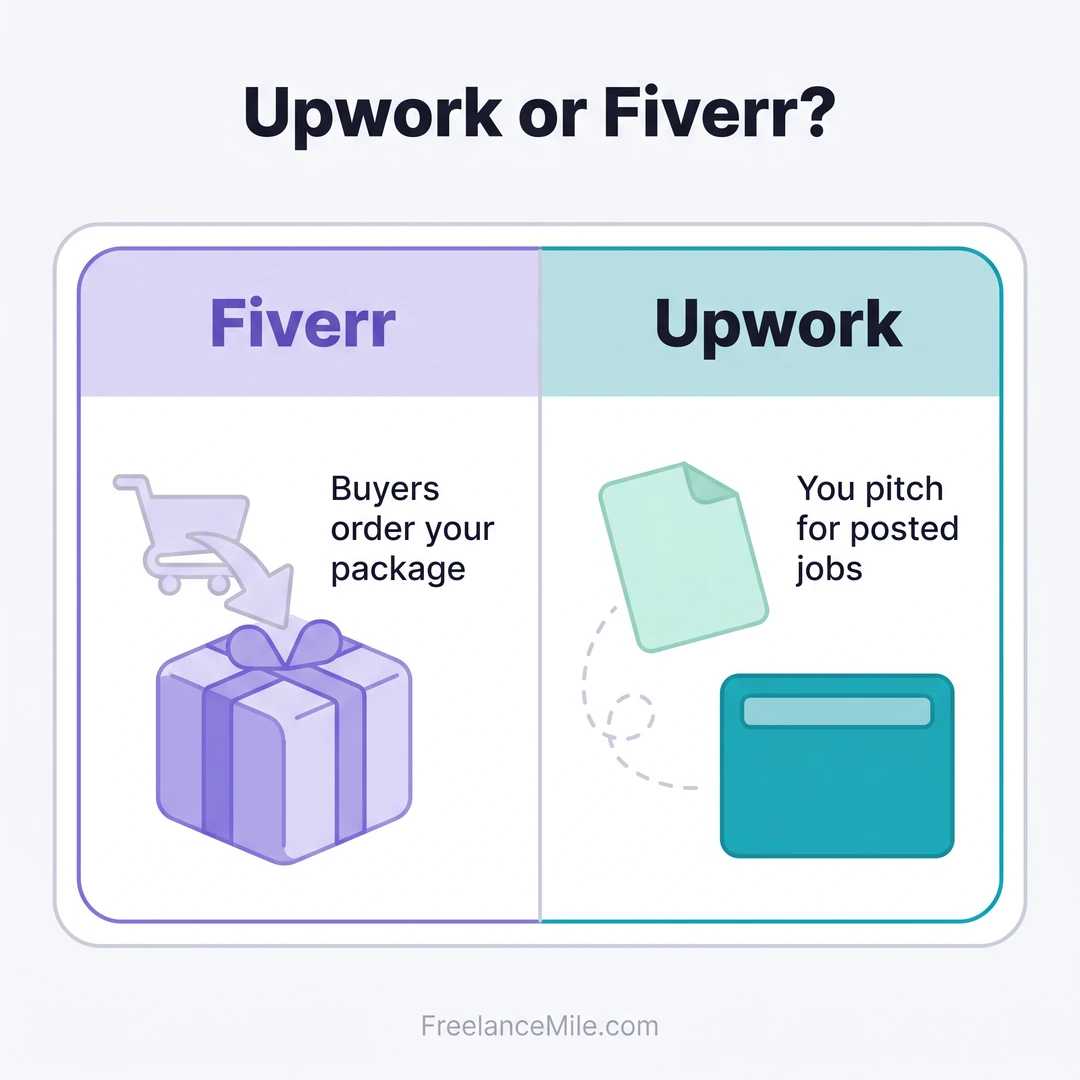
- Upwork vs Fiverr: Upwork suits pitching for posted jobs, while Fiverr suits fixed packages buyers order directly.
Is Upwork worth it for freelancers?
For most skilled freelancers, yes. Upwork says clients can reach 18+ million freelancers across 180 countries, and that it’s trusted by 800,000 clients (Upwork client pricing).
That means real demand, but also heavy competition. Upwork pays off when you pick a niche, apply only to jobs you fit, and turn your first projects into strong reviews.
If you have no skill or samples yet, start with our guide to freelancing with no experience first.
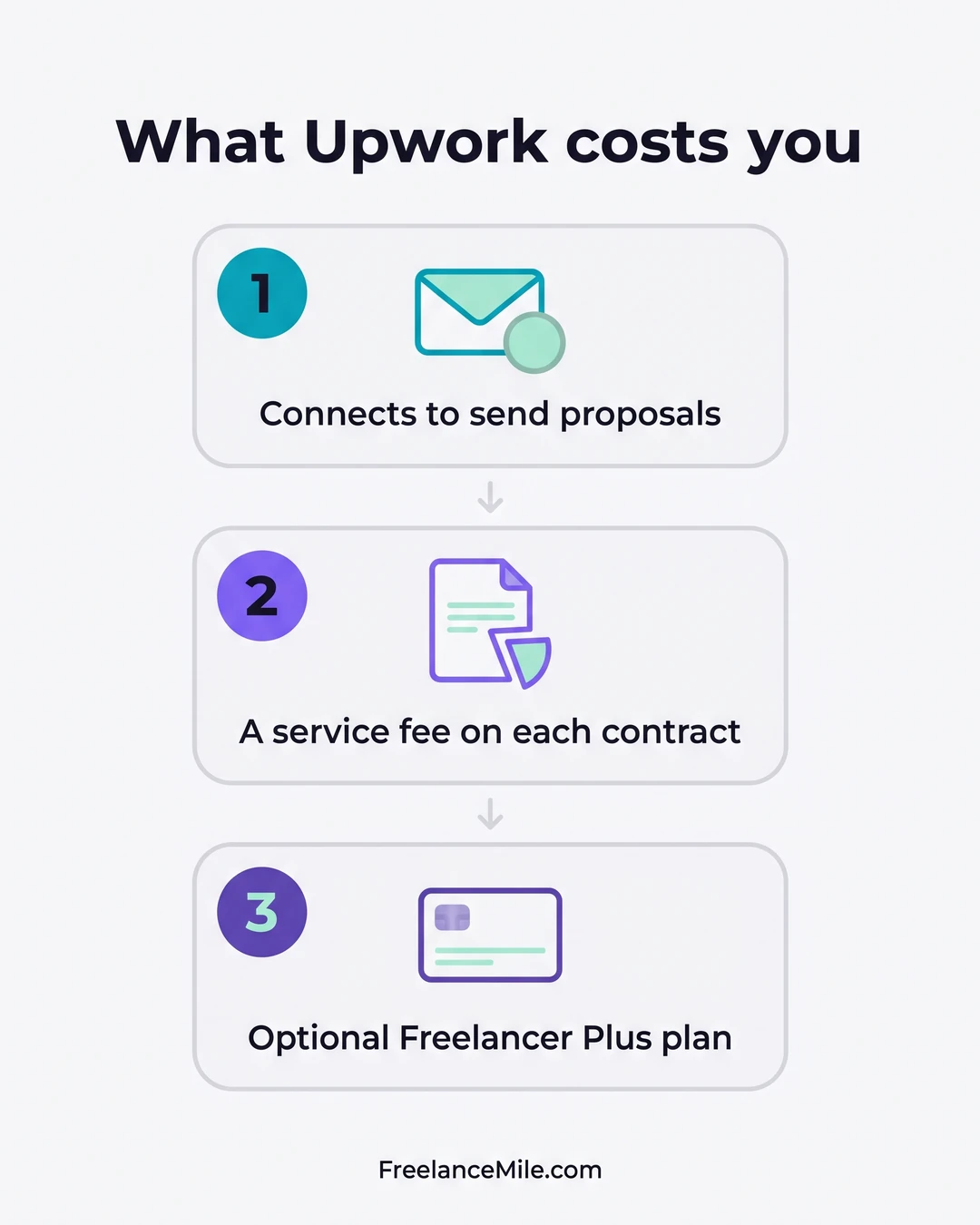
How much does Upwork cost freelancers?
These are Upwork’s current freelancer charges, taken from its own pricing and help pages.
Scroll sideways to see the full table.
| Item | What Upwork charges |
|---|---|
| Freelancer service fee | 0% to 15% per contract |
| Connects (to apply for jobs) | $0.15 each, sold in bundles |
| Basic plan | $0 a month, earn up to 10 Connects monthly by completing tasks |
| Freelancer Plus | $19.99 a month with 100 Connects each month |
| Direct Contracts fee | 5% on Basic, 0% on Plus |
Upwork’s own example: with a 10% fee on a $500 bill, you get $450 (Upwork freelancer pricing).
You see the fee before you submit a proposal or accept an offer, and it’s locked once the contract begins. If a client is refunded, the fee is refunded too (Upwork Help Center).
What are Connects and why do they matter?
Connects are the credits you spend to submit proposals, boost a proposal or show the Availability Badge. The number a job needs depends on its size, scope and demand.
They aren’t refunded if the client rejects you, hires someone else, or the job expires (Upwork Help Center). So every weak proposal costs real money.
Is Freelancer Plus worth paying for?
Freelancer Plus costs $19.99 a month for 100 Connects. Bought one by one at $0.15, 100 Connects would cost $15, so you pay about $5 extra for the other Plus features.
Stay on Basic while you test your niche. Upgrade once you send proposals every week or use Direct Contracts, where Plus drops the fee from 5% to 0%.
How much does Upwork cost clients?
On the Basic plan, clients pay a 5% service fee, so a $100 contract costs $105. A one-time contract initiation fee of $0.99 to $14.99 is added (Upwork client pricing).
Eligible U.S. clients paying from a checking account get a discounted 3% fee. Business Plus clients pay 10%, or 8% with the discount.
What are the pros of Upwork?
- Clients come with posted jobs, so you can choose work that fits your skills.
- Fees are clear up front: you see the fee before you apply, and it’s locked for the contract.
- Room to grow: a Job Success Score of 90% or more puts you on track for Top Rated status.
- Direct Contracts: you can bill your own clients through Upwork for 5%, or 0% on Plus.
What are the cons of Upwork?
- Paying to apply: Connects cost money and aren’t refunded when you lose a job.
- Up to 15% fee: a meaningful cut on smaller contracts.
- Competition: millions of freelancers can apply to the same job.
- Score pressure: a Job Success Score below 79% makes it hard to win work.
How does the Job Success Score work?
Upwork calculates your score daily from your 6, 12 and 24-month history, and shows the best one. Over 90% is excellent; below 79% hurts your chances (Upwork Help Center).
Upwork vs Fiverr: which is better for new freelancers?
For most brand-new freelancers, Fiverr is the easier start, because buyers order your gig and you don’t pay to apply. Upwork is better if you write strong proposals and want clients who discuss the job first.
Scroll sideways to see the full table.
| Feature | Fiverr | Upwork |
|---|---|---|
| How you get work | Buyers order your gig or package | You send proposals to job posts |
| Cost to apply | No proposals needed | Connects, $0.15 each |
| Your fee | You keep 80%, including extras and tips | 0% to 15% per contract |
| Buyer fee | 5.5%, plus $3.50 on orders under $200 | 5% on Basic, plus $0.99 to $14.99 once per contract |
| Best for | Packaged, repeatable services | Custom or ongoing projects |
Want the full picture? Read what Fiverr is and how it works, or compare more options in our list of the best freelance websites.
Which one should you choose?
- Choose Fiverr if your service fits a fixed package, like a logo or a 500-word article.
- Choose Upwork if clients need to talk scope first, or the work runs for months.
- Use both if you can. Many freelancers keep a Fiverr gig live while sending a few targeted Upwork proposals.
What I look for when I hire on Upwork
I recruit and screen freelancers on Upwork myself. Ratings, recent reviews and past work drive about 80% of my hiring decision.
So your first few jobs matter more than your rate. Take small, clear projects, deliver on time, and ask happy clients for honest feedback.
How do you make Upwork worth it?
- Pick a niche. A specific title like “Shopify product description writer” beats “writer”.
- Show proof. Add 2 or 3 portfolio samples that match the jobs you want.
- Spend Connects carefully. Apply only to jobs you fit, and check the Connects cost first.
- Earn free Connects. Completing badges, such as identity verification, adds Connects to your balance.
- Protect your score. Clear scope and on-time delivery keep your Job Success Score high.
For the full setup, follow our guide on how to start freelancing on Upwork. If you want a smaller marketplace, see our Guru freelancing review.
FAQ
Is Upwork really worth it for beginners?
It can be, but expect a slow start. Without reviews you’ll spend Connects on many proposals before your first win, so begin with small jobs.
Is paying for Upwork worth it?
Freelancer Plus at $19.99 a month is worth it once you apply every week. Testing a niche? The free Basic plan is enough.
What is the Upwork freelancer service fee?
It ranges from 0% to 15% per contract. Upwork shows the exact fee before you submit a proposal or accept an offer.
Does Upwork really work?
Yes, it’s a real marketplace with 800,000 clients, according to Upwork. Results depend on your niche, profile and proposals, not on luck.
Is Upwork better than Fiverr?
Neither is better for everyone. Upwork suits proposal-based, custom work, while Fiverr suits packaged services that buyers order directly.
Sources (checked 31 October 2026)
- Upwork: Freelancer pricing (Basic, Freelancer Plus $19.99, Connects, Direct Contracts, $500 example)
- Upwork Help Center: Freelancer Service Fee (0% to 15%, locked at contract start)
- Upwork Help Center: Understanding and using Connects ($0.15, no refunds)
- Upwork Help Center: Job Success Score
- Upwork: Client pricing (5% Basic fee, contract initiation fee, 18+ million freelancers, 800,000 clients)
- Fiverr Help Center: Your earnings page and Paying for orders (80% to sellers, 5.5% client fee)
What to do next
Pick one niche, build 2 or 3 samples, and set up both an Upwork profile and a Fiverr gig. Track which one brings your first paid job, then double down on it.