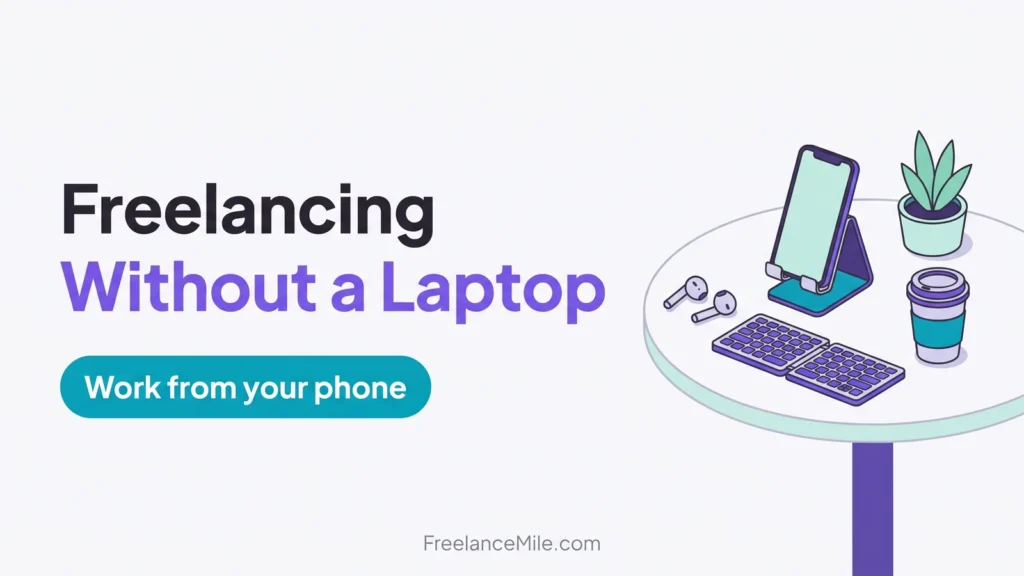
Yes, you can start freelancing without a laptop. A smartphone is enough to find clients, message them and do some types of work, though a few tasks still need a computer.
This guide covers the work you can do on a phone, the apps to set up, the limits to know and how to build a portfolio, with data from Pew Research Center.
Key takeaways
- Phones are everywhere. Pew found 91% of U.S. adults own a smartphone in 2026.
- Job apps work on phones. Upwork says its app does almost everything you can do on desktop.
- Some tasks need a computer. Upwork’s hourly time tracker runs in its desktop app.
- Pick phone-friendly work. Social media, short video, photos, writing and support suit a phone.
- Add cheap tools. A small keyboard, a stand and cloud storage make phone work much easier.
Can you really freelance without a laptop?
Yes, for many entry-level gigs. You can find work, talk to clients, create content and send files from a phone.
Pew Research Center found 16% of U.S. adults in 2026 are “smartphone-only” internet users, with a smartphone but no home broadband.
So working from a phone is common. The trick is choosing work that fits a small screen.
Freelance work you can do on a phone
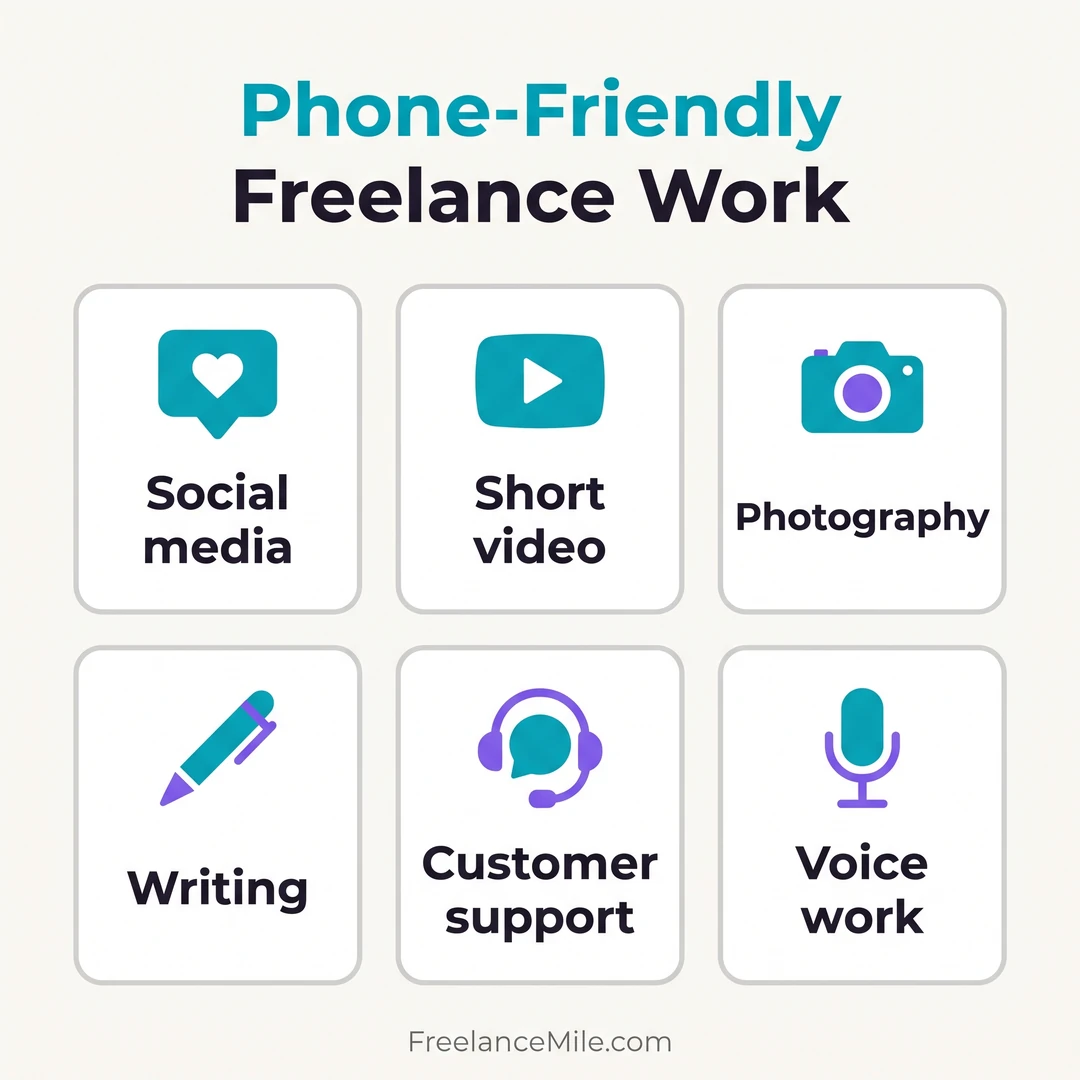
Social media management
Plan, post and reply to comments for small businesses. Most social apps are built for phones first.
Short video editing
Edit reels and short clips with mobile video apps. Many small brands need short videos every week.
Photography
Modern phone cameras are good enough for product photos and social content. See our photography side hustle guide.
Writing and editing
Write captions, product descriptions, short blog posts and emails in a mobile docs app. A small keyboard helps with longer pieces.
Customer support and virtual assistance
Answer chats and emails, book appointments and manage inboxes. Check that the client’s tools have a mobile app.
Voice work and transcription
Record short voice-overs or transcribe audio. Use headphones and a quiet room for clean sound.
Find work from your phone
Upwork says its mobile app lets you create or update your profile, message clients, search for jobs, submit proposals and manage contracts.
It says some features may only be available on a desktop or mobile browser, and the app needs iOS 16 or Android 10 or later.
Upwork says its time tracker for hourly contracts runs in the Upwork Desktop App (Upwork Help). Phone-only freelancers may prefer fixed-price jobs there.
Compare other options in our list of the best freelance websites.
Apps and tools to set up
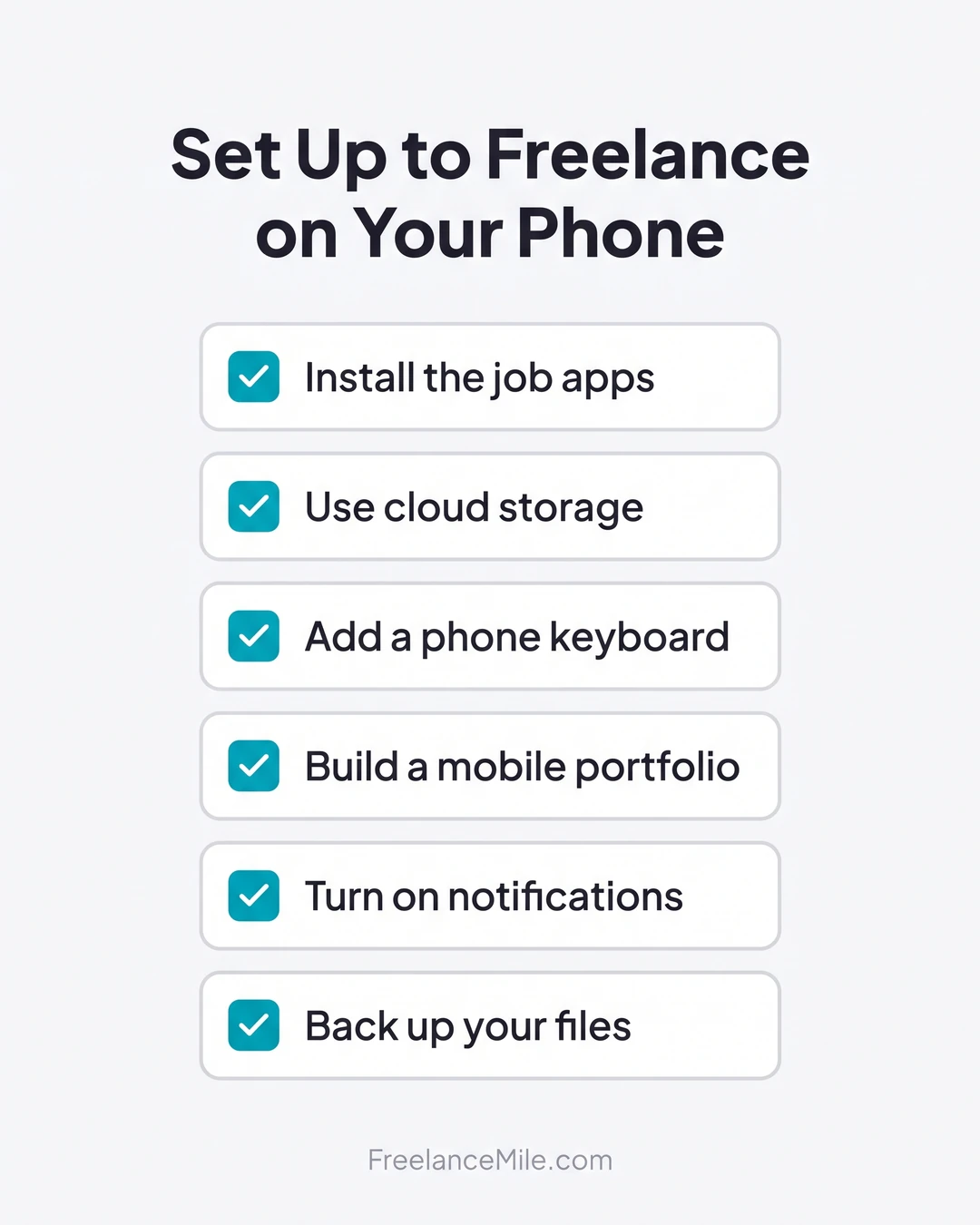
- Job platform apps. Install the apps for the platforms you use and turn on notifications.
- Cloud storage. Save every file to the cloud so you can send links and never lose work.
- A docs app. Use a mobile word processor that shares files in common formats.
- Payments. Set up the payment method your platform or clients use.
- A phone stand and small keyboard. Both make long work sessions easier on your hands and eyes.
Limits of freelancing on a phone
- Small screen. Detailed design, spreadsheets and coding are hard on a phone.
- Some features need desktop. Time tracking and some client tools may need a computer.
- Battery and data. Keep a charger and know your data limits before big uploads.
- Typing speed. Long writing jobs take longer without a keyboard.
Many freelancers start on a phone and buy a laptop once they have steady clients.
Build a portfolio on your phone
- Pick two or three samples. Make work in the service you want to sell, such as three captions or two short videos.
- Store them in one place. Use a shared cloud folder or a free portfolio page.
- Add a short description. Say what you made, for whom and what tools you used.
- Link it in your profile. Add the link to your platform profile and proposals.
FAQ
What freelance jobs can I do with just a phone?
Social media management, short video editing, photography, short writing, customer support and voice work are good fits.
Can I use Upwork without a laptop?
Mostly. Upwork says its app covers almost everything you can do on desktop, but its hourly time tracker runs in the desktop app.
Do I need a laptop to get paid?
No. You can usually set up payments and withdraw money from a phone app or mobile browser.
When should I buy a laptop?
When your work needs a bigger screen or desktop-only tools, or when steady client work can pay for it.
Conclusion
Freelancing without a laptop works if you choose phone-friendly services, set up the right apps and know where a computer is still needed.
New to freelancing? Read what is freelancing and can freshers do freelancing.