Disclosure: Fiverr is a FreelanceMile partner, and that partnership affects where it appears in this guide. Some links are affiliate links, so I may earn a commission at no extra cost to you. The pros, cons and fees for every platform, including Fiverr, are my honest take.
No. You can start freelancing with little or no money if you already have a skill, a computer or phone, and an internet connection.
The real costs come later, as platform fees on what you earn, optional paid tools and taxes. This guide shows what is free, what costs money, and how to start on a small budget.
Key takeaways
- Joining is free. Fiverr, Upwork and Freelancer.com let you sign up without paying.
- Fees come out of earnings. Fiverr freelancers keep 80% of each order; Upwork charges 0% to 15%.
- Some platforms charge to pitch. Upwork Connects cost $0.15 each if you run out.
- Free tools cover the basics. Free office, design and email tools are enough at first.
- Set money aside for tax. In the U.S., self-employment tax applies once you earn $400 or more.
Do you need money to start freelancing?
You don’t need a large budget. Most freelancers start by selling a skill they already have, such as writing, design, editing or admin work.
What you do need is time: to build samples, set up profiles and pitch clients. Money helps you move faster, but it isn’t required.
What freelancing really costs
Scroll sideways to see the full table.
Scroll sideways to see the full table.
| Cost | Free option | When you might pay |
|---|---|---|
| Platform signup | Free on Fiverr, Upwork and Freelancer.com | Optional memberships |
| Platform fees | None until you earn | A share of each payment |
| Pitching | Free on Fiverr; free Upwork Connects | Extra Connects or bids |
| Software | Free office and design tools | Pro tools for client work |
| Portfolio | Free profile pages or a free site | Your own domain and hosting |
| Taxes | None until you earn | Self-employment and income tax |
Platform fees compared
1. Fiverr
On Fiverr you list fixed-price services, called gigs, and buyers come to you. There is no fee to post a gig.
Fiverr says freelancers earn 80% of each completed order, including extras and tips (Fiverr Help).
Eligible freelancers can use Early Payout to skip the clearing period, for a 1% fee.
2. Upwork
Upwork’s Basic plan costs $0 a month, and you can earn up to 10 Connects a month by completing tasks (Upwork pricing).
You spend Connects to send proposals. Extra Connects cost $0.15 each. Freelancer Plus costs $19.99 a month and includes 100 Connects.
Upwork charges a Freelancer Service Fee of 0% to 15% per contract, shown before you send a proposal (Upwork Help).
3. Freelancer.com
Freelancer.com charges freelancers 10% or $5.00, whichever is greater, on fixed-price projects, and 10% on hourly projects (Freelancer.com).
Submitting contest entries is free; the same 10% or $5.00 fee applies if you win.
For more options, see our list of the best freelance websites.
How to start freelancing with no money
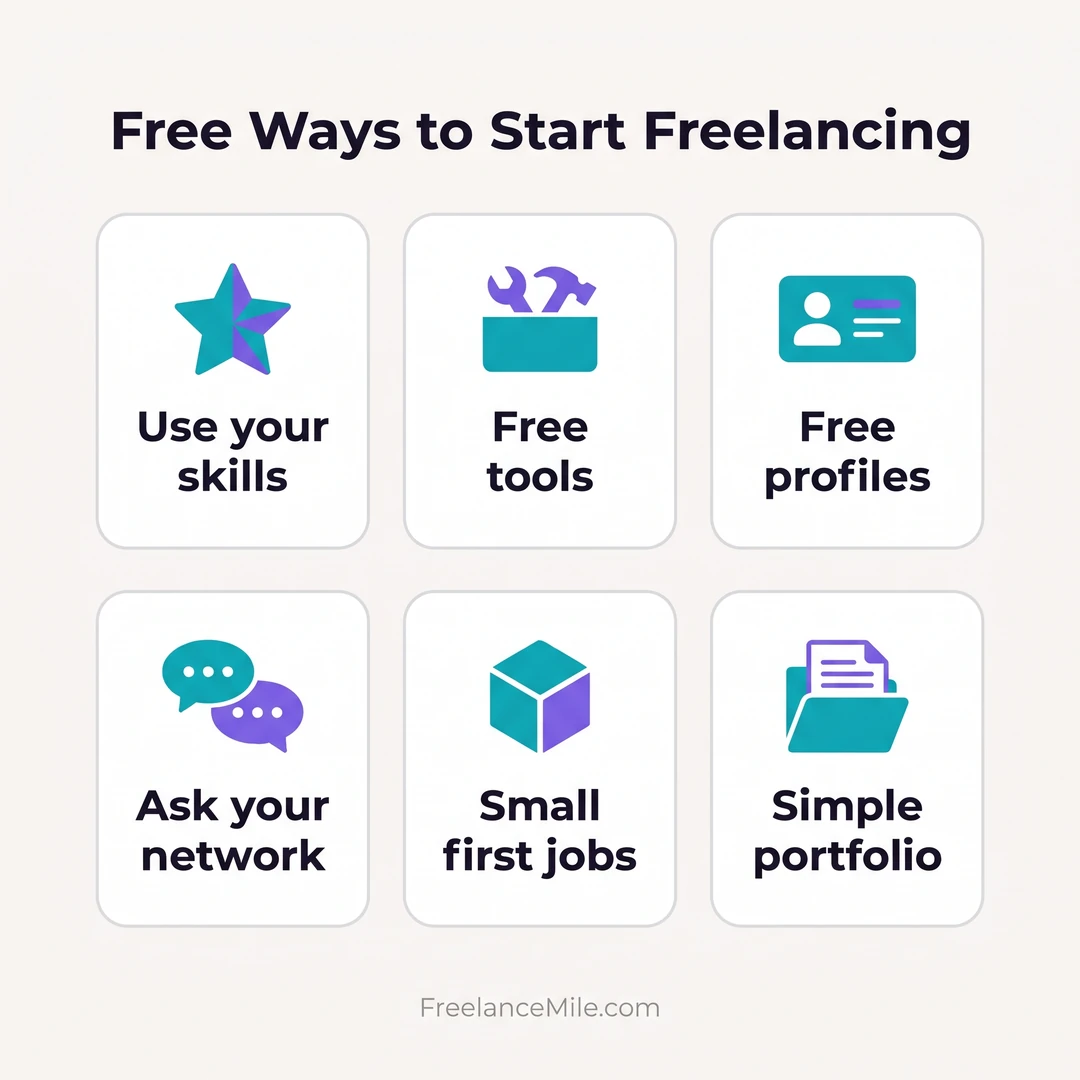
Use a skill you already have
List what people already ask you to help with. That is often your first service.
Make free samples
Create two or three sample projects that show the work you want to sell. Clients care more about samples than certificates.
Use free tools
Free word processors, spreadsheets, design apps and video calls cover most beginner work.
Start on a marketplace
A marketplace brings clients to you. Our guide to easy Fiverr gigs has ideas that need no budget.
Pitch people you know
Former employers, local businesses and friends who run side projects can become first clients.
Send short cold emails
Write two or three sentences: what you noticed, what you can do and a simple next step.
Myths about money and freelancing
- “You need expensive software.” Free tools are enough for most first projects.
- “You need a website first.” A marketplace profile or a simple portfolio page works.
- “You must pay to get clients.” Paid ads and memberships are optional.
- “You need savings to quit your job.” Many people freelance part-time first.
More beginner advice: how to start freelancing with no experience.
Taxes and paperwork
In the U.S., you generally owe self-employment tax if your net earnings are $400 or more. The rate is 15.3% for Social Security and Medicare (IRS).
Because no employer withholds tax, the IRS says you may need to pay estimated tax each quarter (IRS).
A simple habit: move a share of every payment into a separate savings account for taxes.
Use a written agreement for each job; see our freelance contract guide and how to invoice as a freelancer.
A $0 starter checklist
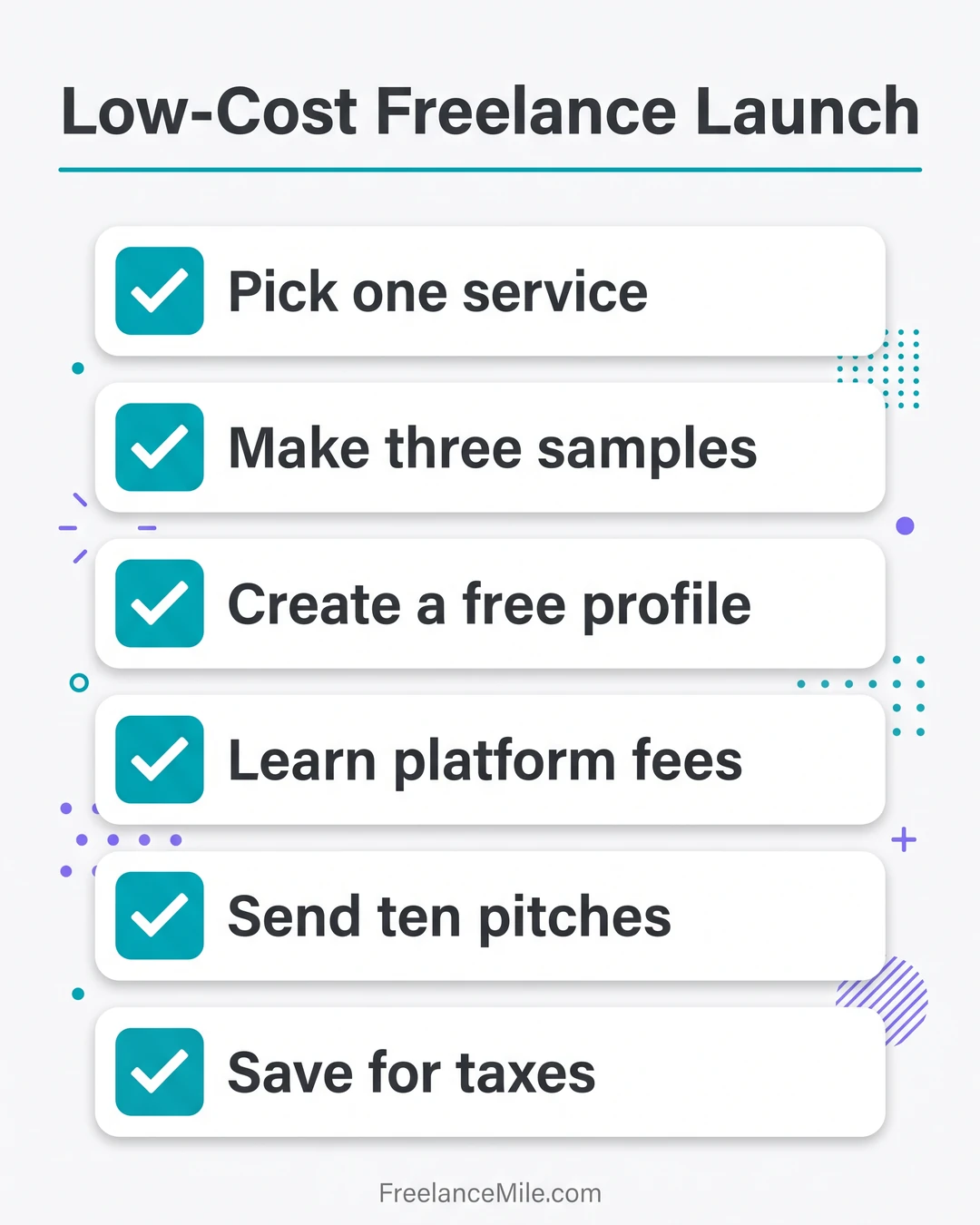
- Pick one service. Keep it simple and specific.
- Make samples. Two or three examples are enough.
- Create one profile. Choose a single platform to start.
- Set a starting price. Check what similar sellers charge.
- Pitch every day. Send a few proposals or messages.
- Save for taxes. Put money aside from every payment.
FAQ
How much money do I need to start freelancing?
You can start with $0 if you already have a device and internet access. Platform fees are taken from earnings, not paid upfront.
Is Fiverr free to join?
Yes. You can create a Fiverr profile and post gigs for free; Fiverr keeps 20% of each order (Fiverr Help).
Do I have to buy Upwork Connects?
Not at first. Upwork says Basic members can earn up to 10 Connects a month through tasks (Upwork).
Conclusion
You don’t need money to start freelancing, but you do need a clear service, samples and steady pitching. Keep costs low until clients pay you.
New to the idea? Start with what is freelancing.